-
InstaPay WebPay
-
WebPay Integration
-
Shopping Cart Plugins
-
- Articles coming soon
-
Testing
The testing phase for a project must be carried out exclusively within the Sandbox environment. To initiate this, it’s necessary to register a test business account within the Sandbox instaPay® Money Manager portal. Access to the Sandbox instaPay® Money Manager portal can be obtained through the following link:

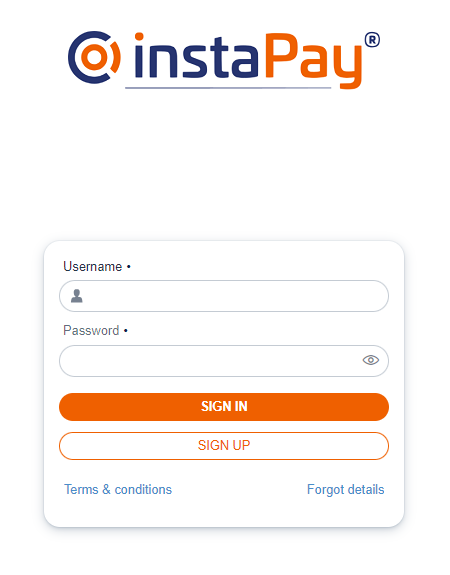
Use the Sign-Up button on the InstaPay Money Manager (Sandbox) login page to register a TEST account.
Please be aware that this account is designated solely for testing and experimental purposes, and any data submitted during the registration process will not be subject to verification. Consequently, you may input test values in the designated fields; however, it is crucial to employ a valid email address that you have access to, as login credentials might be sent to this address. In the event that you do not receive these login credentials, you can use the email address specified during registration and use “begin” as password to login.
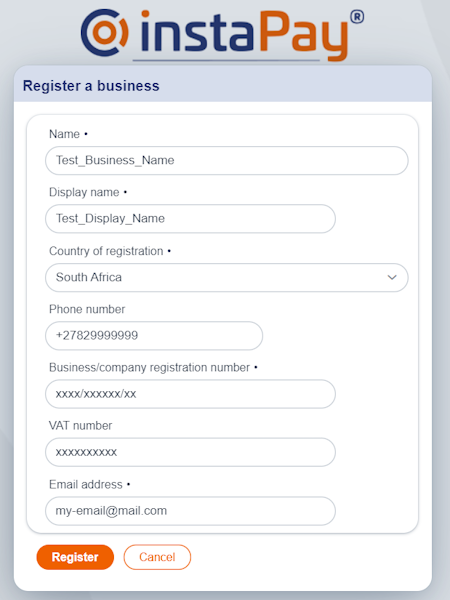
Use the Register a business form to enter details for the account to be created in Sandbox for Testing.
Onde completed, use the Register button to save information and create the account.
An email containing the login password will be sent to the email address provided. If no email is received, please check please use the email address specified during the registration as the username and use “begin” as the password to login.
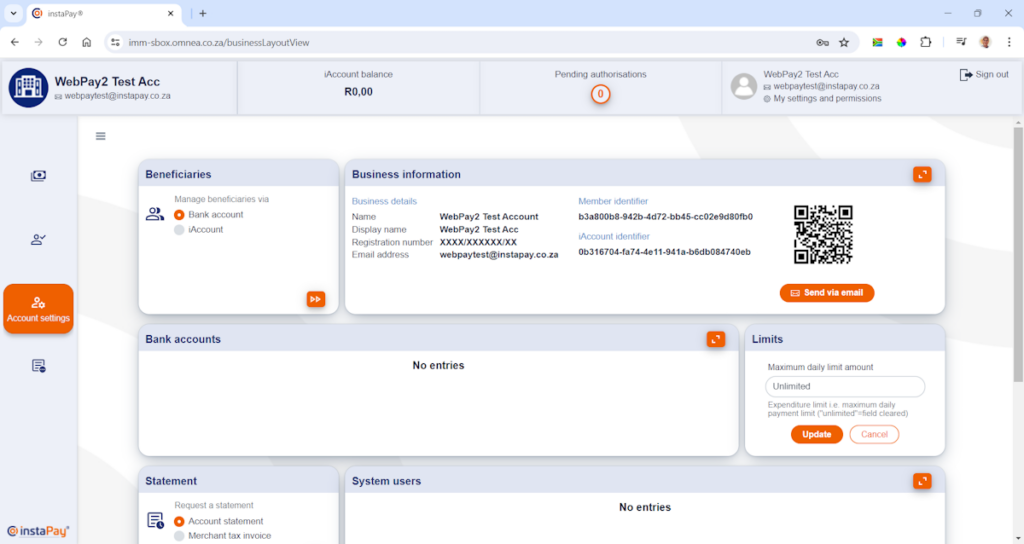
Once logged, you should be able to view the homescreen of the IMM merchant portal.

Use the menu bar on the left side of the screen to select open the account settings.
Take note of the business details provided in the Business information block. The Member identifier and the iAccount identifier are used later in the process.